DESIGNS
Photo collage maker
Upload one photo to set the subject and one example to guide the collage layout. Describe the panels, colors, or borders you want in the finished image.
See the price at review · One redo included
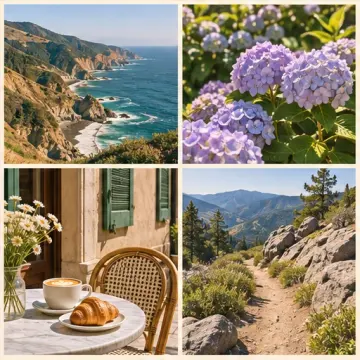
Four-panel travel photo collage example
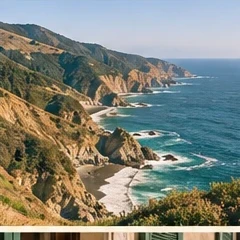
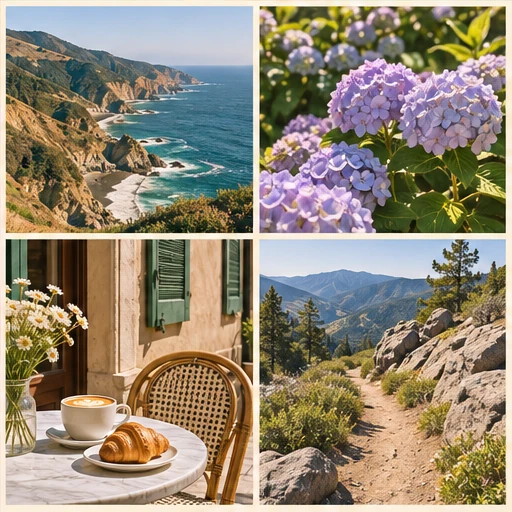
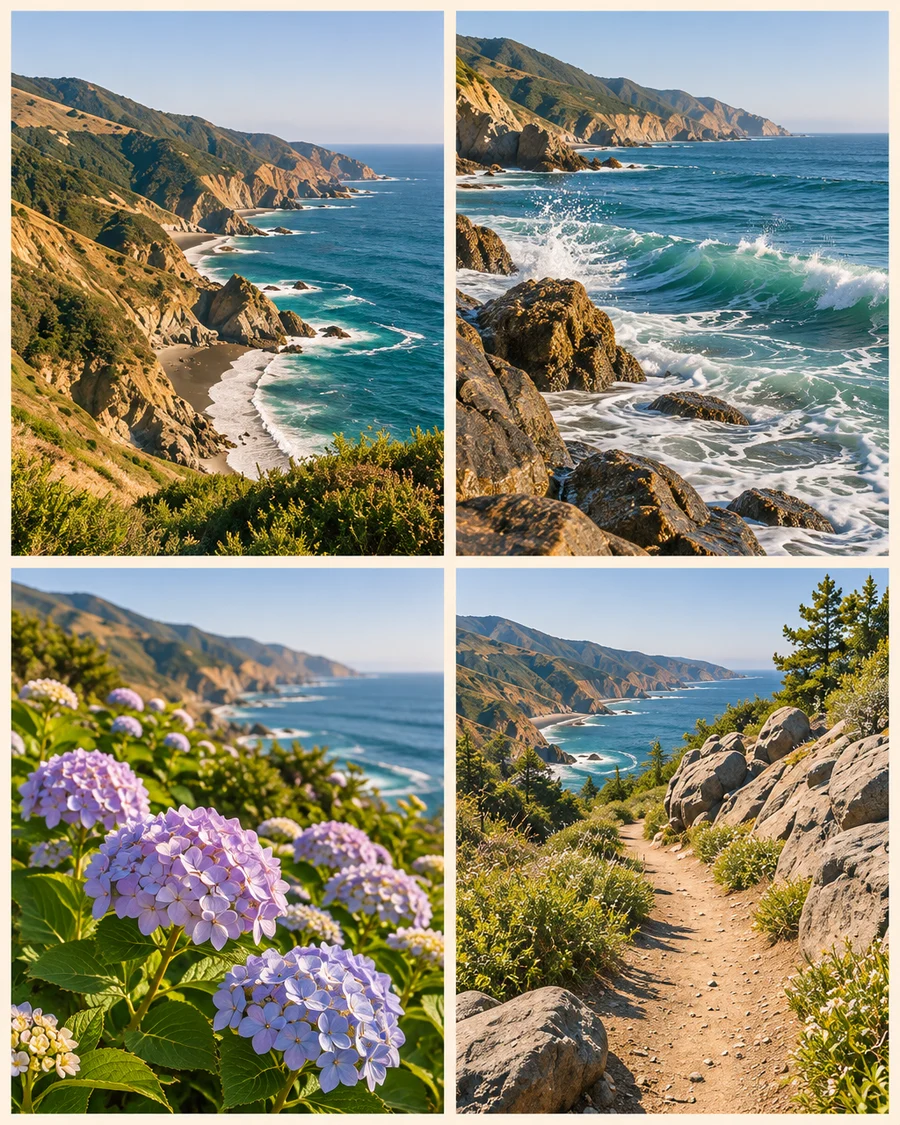
Illustrative example. The coast photo sets the scene. The reference provides the four-panel layout and ivory borders for a set of coordinated coastal views.
Plan the panels before you start
For a travel collage, choose a photo that captures the place and tell us which views you want the panels to suggest. For a portrait, ask for a full-size main panel and smaller close-ups if that fits your reference.
Say whether you want equal panels, one larger panel, or a strip layout. Mention border color and any words you want on the image. You’ll get one finished design in the size you select.
What you get
- One PNG in your chosen portrait, square, or story size
- One redo using the same uploads
Before you start
Use a source photo that shows the person, subject, or scene you want to carry through the design. Pick a reference with the panel arrangement you like.
How many photos do I upload?
Upload one source photo and one layout reference. Use your instructions to describe the panels you want in the finished collage.