DESIGNS
Birthday invitation maker
Make a personalized birthday invitation from a subject photo and a design reference. Add the name, date, location, and RSVP details you want on the image.
See the price at review · One redo included
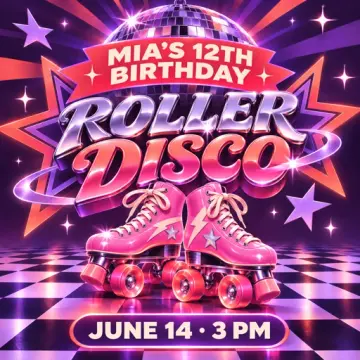
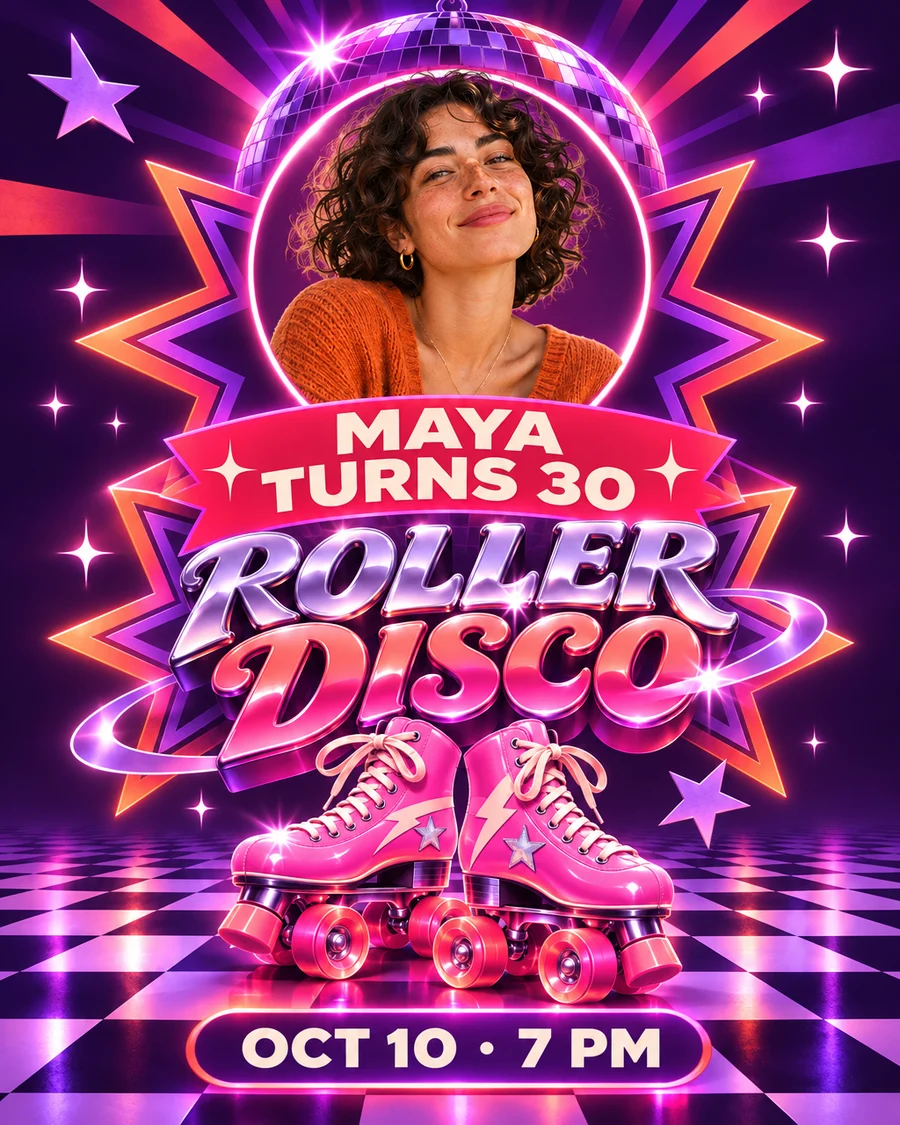
Roller disco birthday invitation example
Illustrative example. A portrait and a roller disco reference become a colorful invitation with Maya’s name, birthday and party details.

Make the party details easy to read
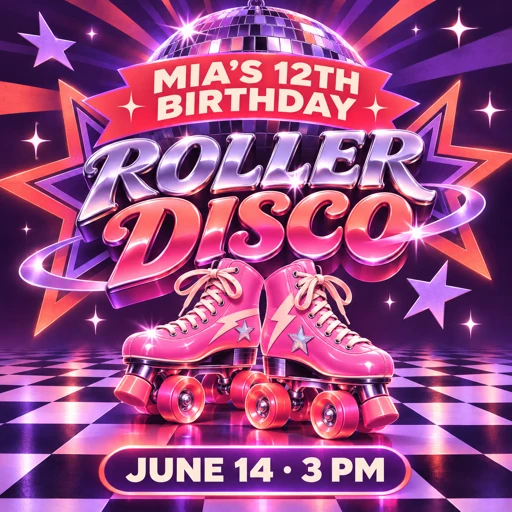
List the name, age if you want it shown, day and date, time, venue, and RSVP method on separate lines in your instructions. Use the style reference for the visual theme and your own wording for the details.
Open the finished PNG on your phone at the size guests will see. Check the day against the calendar and make sure the address and RSVP details are legible before sending.
What you get
- One PNG in your chosen portrait, square, or story size
- One redo using the same uploads
Before you start
Upload the subject photo and an invitation that shows the layout or colors you like. Include the exact party details in your instructions.
What do I need to upload?
One photo for the subject and one example image for the style. Add your party details in the instructions.