ANNOUNCEMENTS
College commitment post maker
Make a college commitment graphic from your photo and a design reference. Add your school, sport, colors, and the wording you want on the post.
See the price at review · One redo included
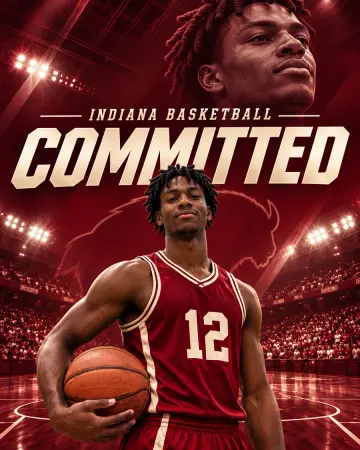
Basketball commitment post example
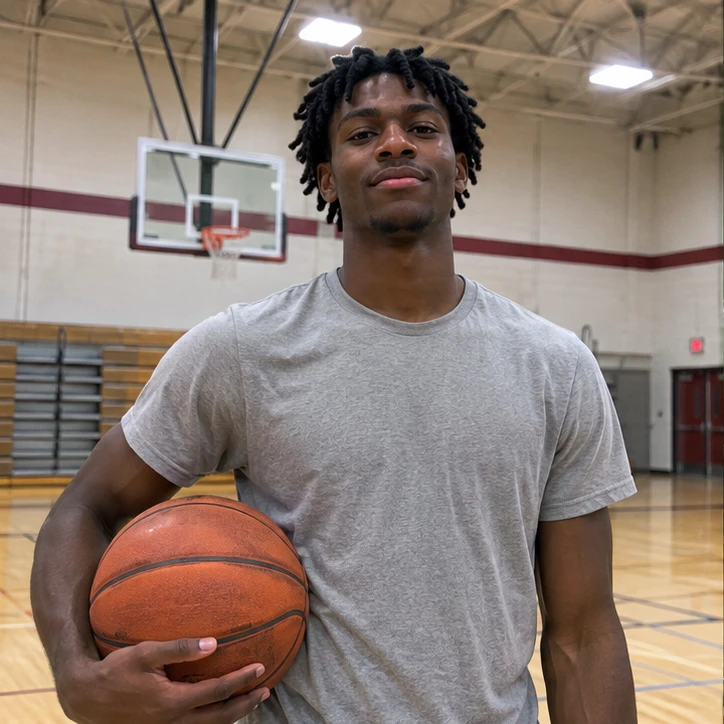
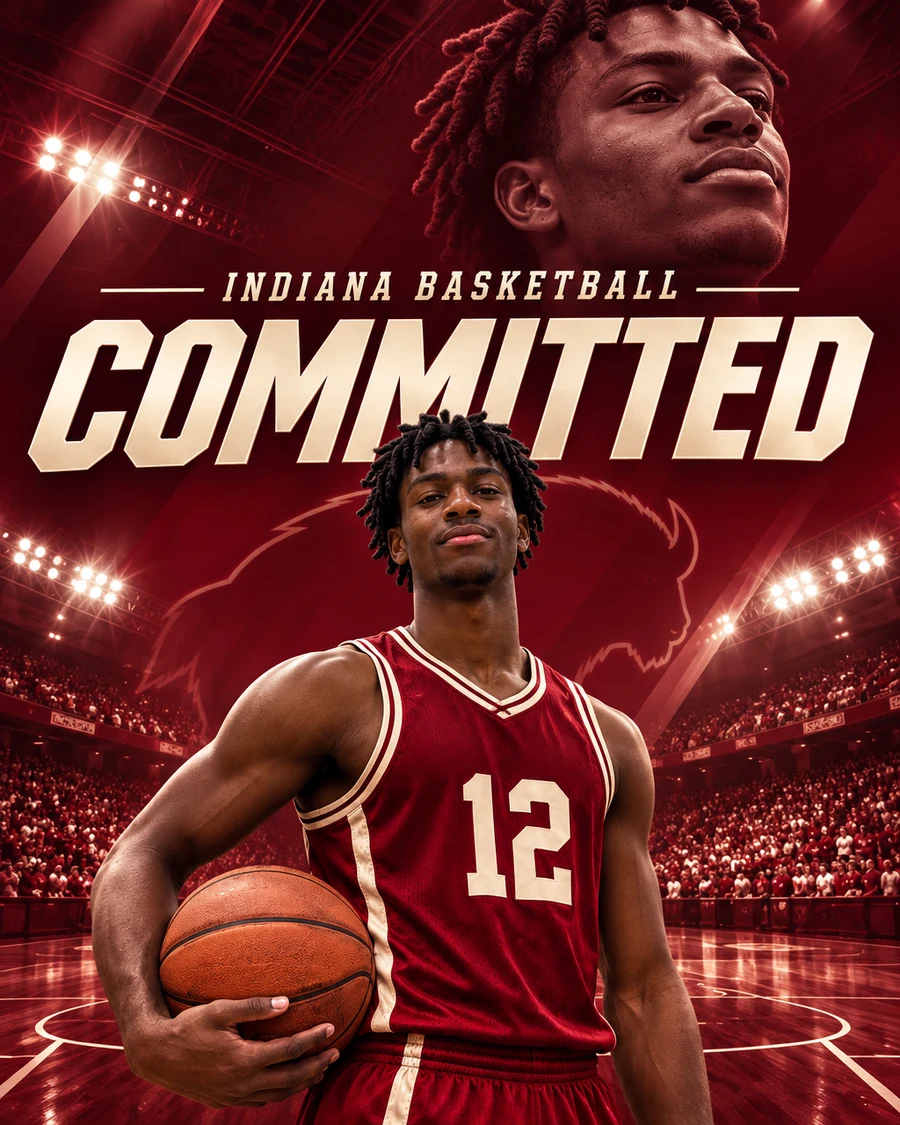
Illustrative example. A casual gym photo becomes an Indiana basketball commitment graphic with a crimson jersey, arena lighting and a layered portrait of the same athlete.
Build the post around your athlete photo
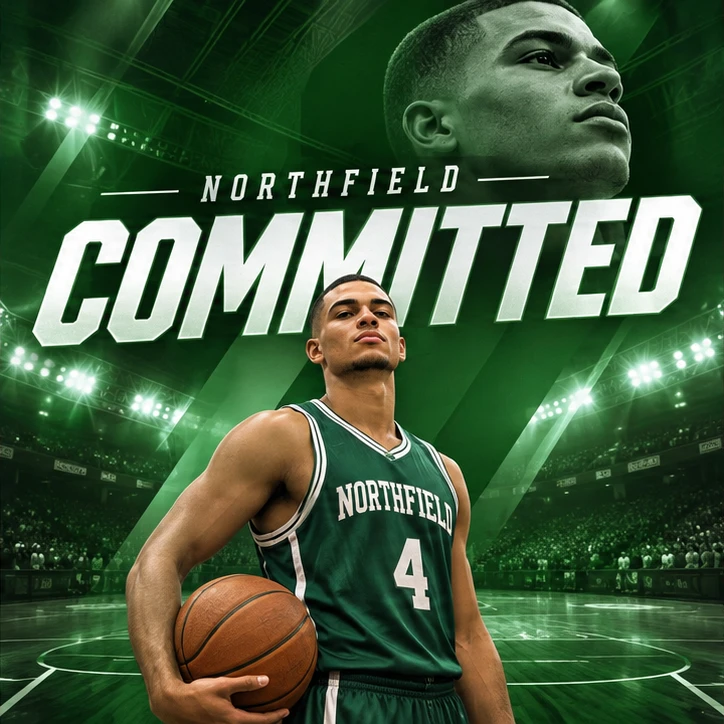
Use an action shot if the pose matters, or a clear portrait if the graphic will focus on your face. Pick a reference with the headline placement, framing, and lighting you want. A photo in your existing uniform can supply your likeness.
Write out the school name, your name, sport, position, and jersey number if you want those shown. Choose a portrait for a taller feed post or Story size for a full-screen graphic. Check spelling, school colors, and likeness on the finished image before posting.
What you get
- One PNG in your chosen portrait, square, or story size
- One redo using the same uploads
Before you start
Upload a clear photo of yourself and a graphic that shows the layout you like. In the instructions, add the school name, sport, jersey number, or announcement text you want included.
Can I make a college decision post without a sport?
Yes. In the instructions, give your school name and any wording you want included, such as your major or class year.