ENHANCE
Instagram photo enhancer
Brighten a dark Instagram photo, soften a color cast, or bring out fine detail. Upload one photo for a subtle edit that keeps your face and framing intact.
See the price at review · One redo included
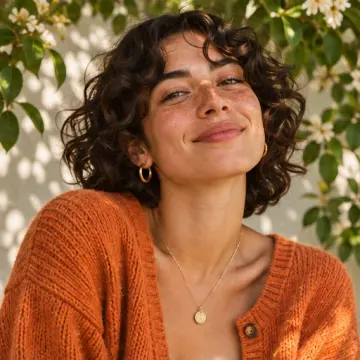
Natural Instagram photo before and after
Illustrative example. A subtle lift brings out the face and warm colors. The framing and skin texture stay the same.

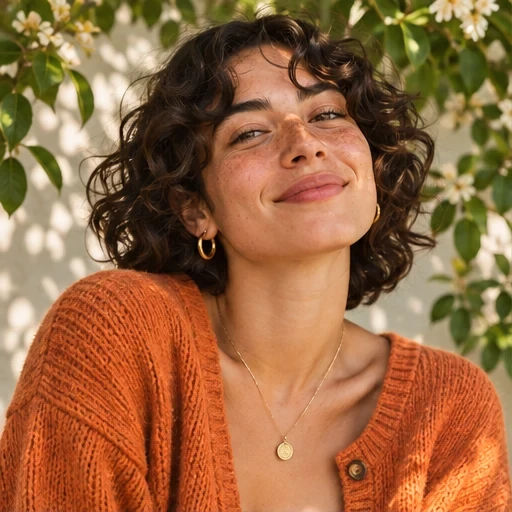
Choose the right adjustment for your photo
For a dim portrait, ask for a small lift in brightness. If a room light made your photo too yellow, ask for a cooler tone. If the shot already looks natural, a small detail adjustment may be enough.
Your download keeps the original framing. If you want a different crop for your feed, crop the photo on your phone before uploading.
What you get
- One PNG with the original framing
Before you start
Choose the original photo from your camera roll. Tell us what feels off, such as a face in shadow, warm indoor light, or details that look flat.
Will the edit change my face or body?
The tune-up adjusts the original photo’s light, color, and detail. Your face, body, framing, and background stay as photographed.