ENHANCE
Clothing listing photo enhancer
Brighten or sharpen a used clothing listing photo. Upload one image for a subtle tune-up that preserves the item’s color, fabric, and signs of wear.
See the price at review · One redo included
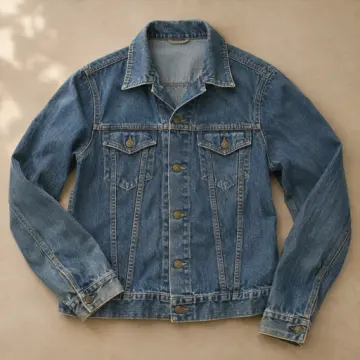
Used denim listing photo before and after
Illustrative example. A small detail adjustment makes the stitching easier to see while keeping the jacket’s color, fading and wear visible.
When a small edit helps a resale listing
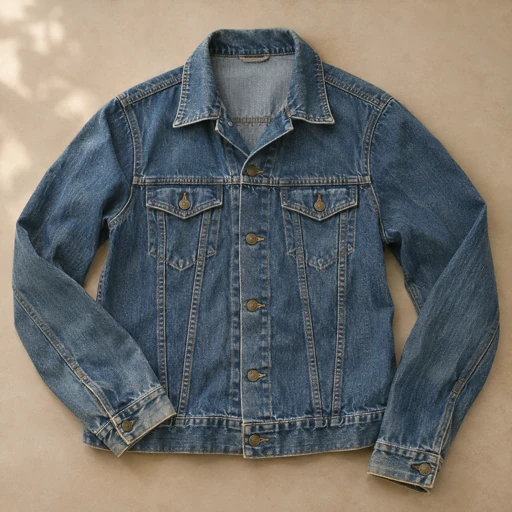
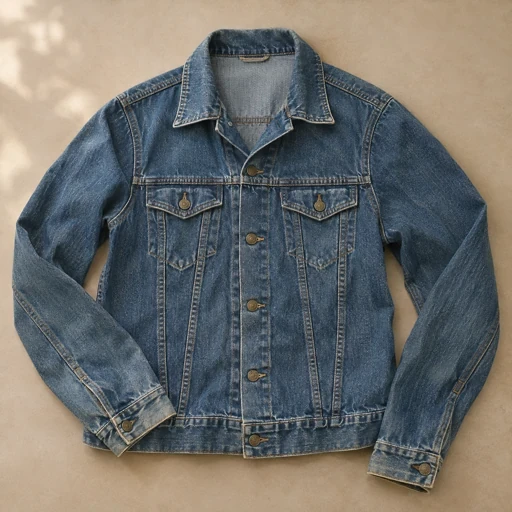
Use this on a front view where a dark garment blends into the background or a close-up where seams and texture look flat. Ask for a small change, such as brighter shadows on a black jacket or clearer stitching on denim.
Keep a separate photo of the label and each flaw. A tune-up keeps the original framing and improves the photo you upload. To add a different view of the item, photograph that view separately.
What you get
- One PNG with the original framing
Before you start
Upload the original photo of the item. Choose an adjustment and say what needs attention, such as dim lighting or hard-to-see stitching.
Will the edit hide stains, fading, or wear?
The tune-up adjusts light, color, and detail in the original photo. The item’s features and condition stay visible.